Jolt Launcher
A downloadable launcher for Windows
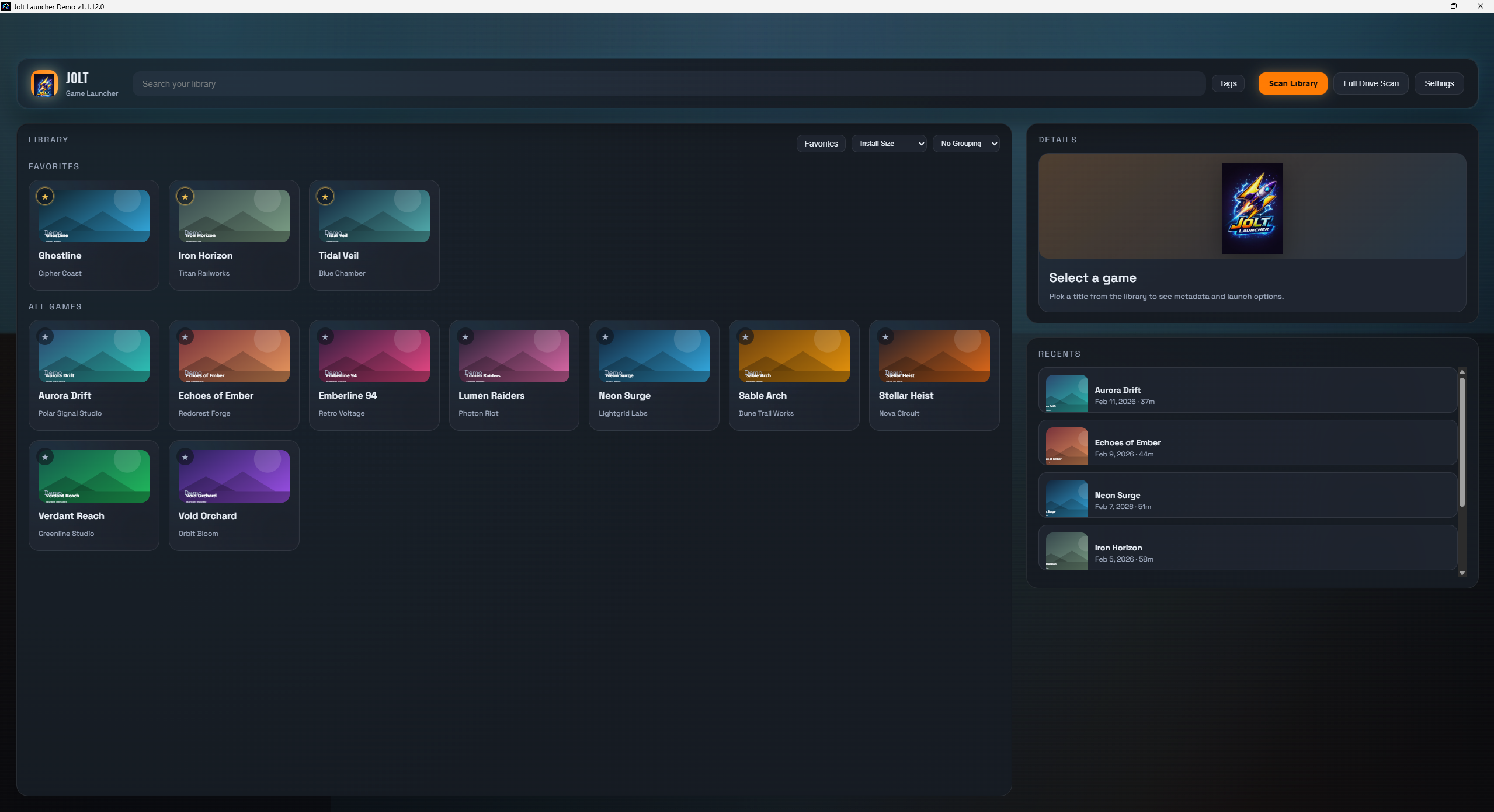
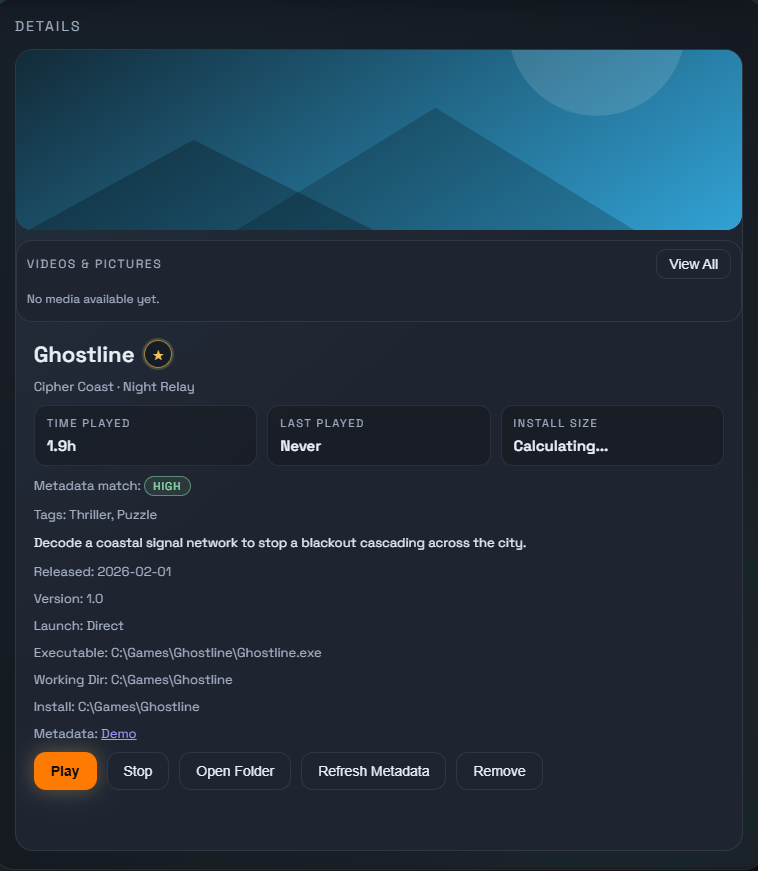
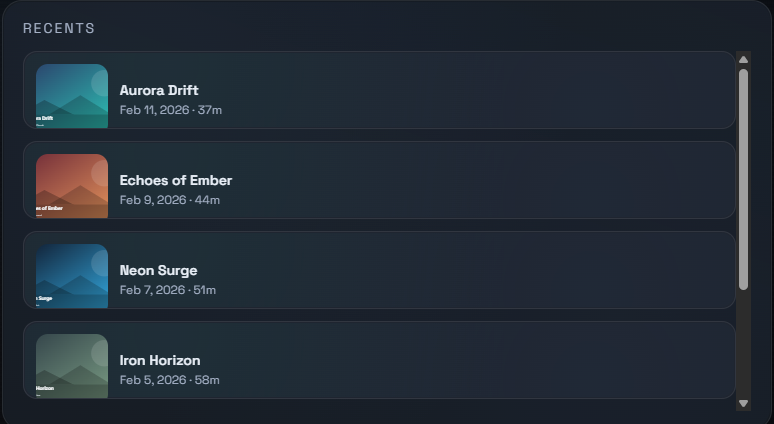
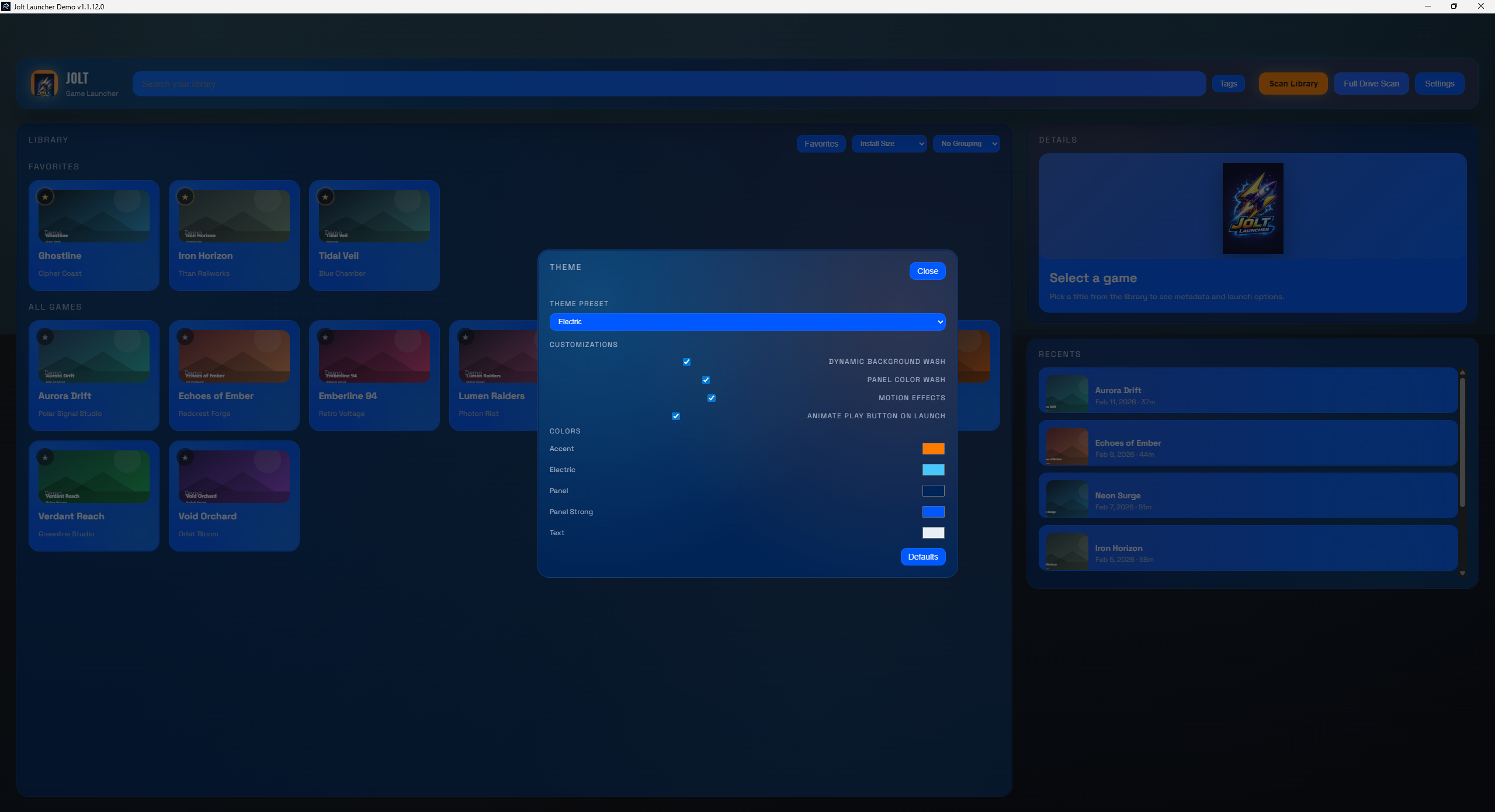
Jolt Launcher is a fast, modern game library manager built for players who keep their games across multiple launchers. Scan folders you choose, add custom games, and keep everything in one clean dashboard. Jolt pulls rich metadata like covers, tags, and descriptions through the RAWG API (required for metadata features for now), tracks playtime, and helps you manage favorites, recents, and quick launching with a polished, responsive UI. It’s lightweight, flexible, and designed to feel great from first launch.
Download
Install instructions
Install Instructions (Windows)
- Download the latest Jolt Launcher installer from its itch.io page.
- Run the installer and follow the prompts.
- Launch Jolt Launcher from the Start Menu or desktop shortcut.
First‑Time Setup
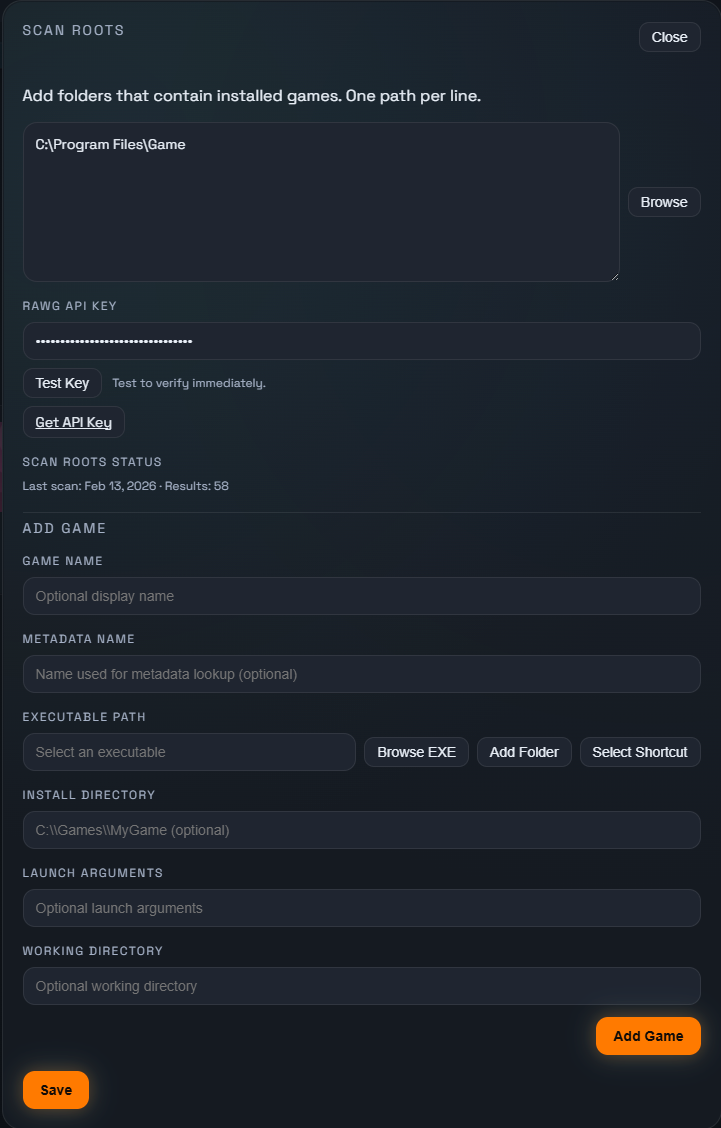
- Open Settings → Scan Roots.
- Add folders that contain your installed games (one path per line).
- Click Save and run a scan.
To add a game manually:
- Settings → Add Game → choose the executable.
Metadata (covers, tags, descriptions)
Metadata is powered by RAWG and requires a free API key.
- Get a key at https://rawg.io/apidocs
- Add it in Settings → RAWG API Key
- Click Save and refresh metadata (or restart Jolt)
Troubleshooting
- If SmartScreen appears: More info → Run anyway
- Some games require Run as administrator
- If the app won’t start, make sure .NET Desktop Runtime 8 and Microsoft Visual C++ Redistributable are installed
Leave a comment
Log in with itch.io to leave a comment.